Migrating from VMware
Categories:
Organizations running VMware-based environments often look for alternatives when they need more cost control, simpler operations, flexible licensing, or a cloud model that reduces dependency on a single virtualization vendor.
HyperCX provides a practical migration path for enterprises and service providers that want to modernize their virtualization platform while keeping familiar infrastructure concepts such as virtual machines, networks, templates, images, clusters, storage tiers, role-based access, and high availability.
HyperCX is built around an open, hyper-converged cloud architecture based on KVM, with integrated management, automation, monitoring, multi-tenancy, and support services provided by Virtalus.
Why consider migrating from VMware?
VMware environments are widely adopted and mature, but organizations may reach a point where they need to reassess their virtualization strategy due to changing business, licensing, operational, or cloud modernization requirements. Many organizations face challenges such as:
- Increasing licensing and renewal costs.
- Dependency on a proprietary virtualization stack.
- Complex product bundles that may include features not required by every environment.
- Operational overhead across separate tools for compute, storage, networking, backup, monitoring, and tenant management.
- Limited flexibility when adapting the platform to specific private cloud, service provider, or multi-tenant requirements.
Migrating to HyperCX helps address these challenges by providing a cloud platform designed for operational simplicity, cost predictability, infrastructure flexibility, and reduced vendor lock-in.
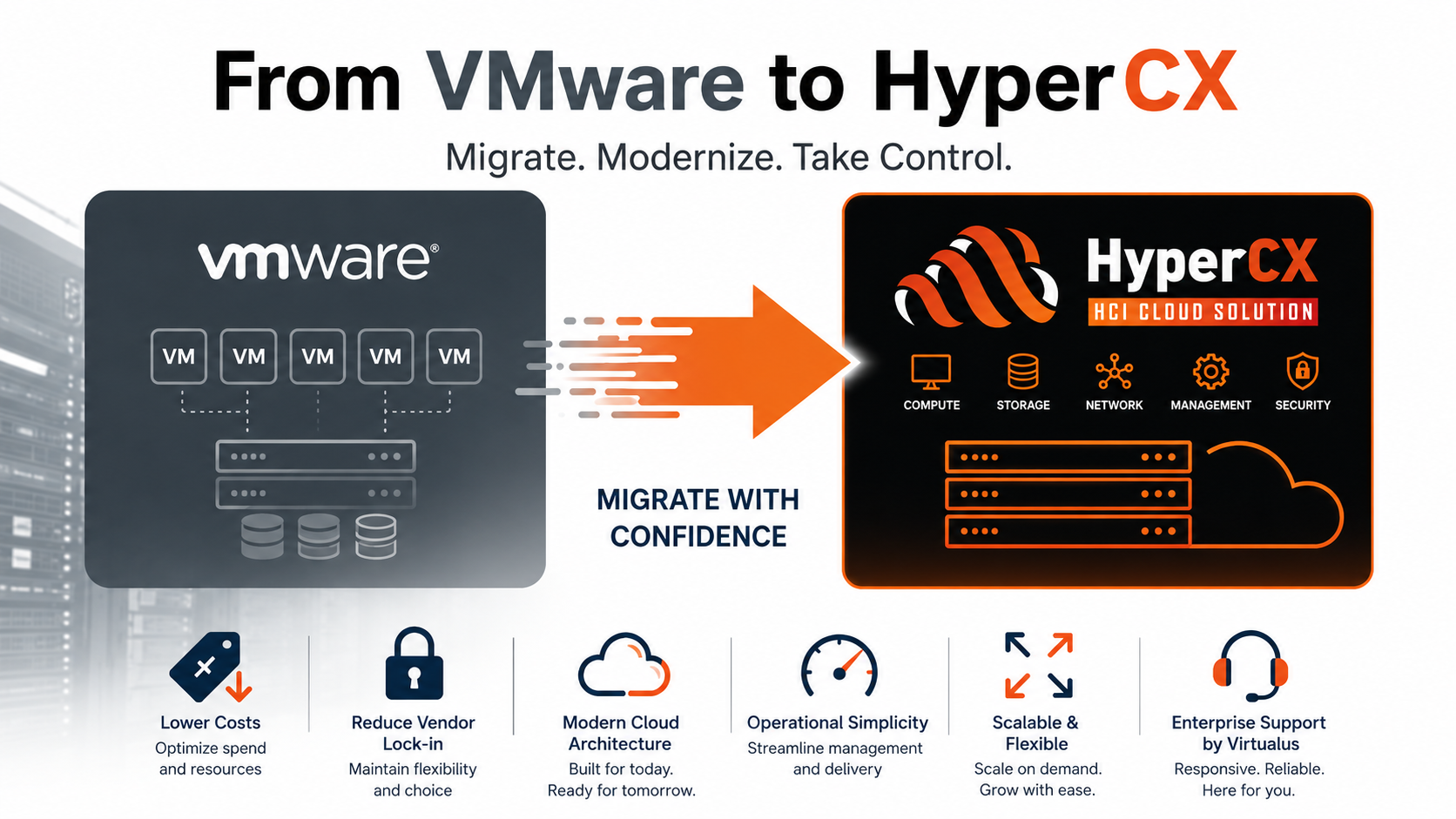
Key benefits of HyperCX over traditional VMware environments
Reduced vendor lock-in
HyperCX uses KVM as its virtualization foundation and combines it with an open, extensible cloud management layer. This allows organizations to avoid being tied to a closed hypervisor ecosystem while still operating enterprise-grade virtual infrastructure.
HyperCX also exposes multiple management interfaces, including:
- Sunstone Web UI.
- Command-line tools.
- XML-RPC API.
- Cloud API based on OpenNebula Cloud API.
- OneFlow API for multi-VM services.
This makes it easier to integrate HyperCX with existing automation, billing, monitoring, provisioning, and operational workflows.
Lower operational complexity
HyperCX brings compute, storage, networking, orchestration, monitoring, and lifecycle management into a unified cloud platform.
Instead of managing several independent products for virtualization, tenant access, quotas, templates, networking, monitoring, and service orchestration, HyperCX centralizes these functions under a single operational model.
Administrators can manage:
- Virtual machines.
- Virtual networks.
- Images and templates.
- Datastores.
- Hosts and clusters.
- Users and groups.
- Virtual datacenters.
- Multi-VM services.
- Backup policies.
- Monitoring and accounting.
Flexible infrastructure design
HyperCX supports different deployment models depending on the size, availability, and isolation requirements of the environment.
Common deployment models include:
- Single-node deployments, suitable for PoC, development, small environments, or compact private cloud use cases.
- HA deployments, designed for production environments requiring high availability across orchestration, compute, storage, and networking.
- External Storage Integration, where compute and storage are separated and the environment requires dedicated storage systems (SAN/NAS solutions).
This flexibility allows organizations to start small and scale according to demand.
Multi-tenancy by design
HyperCX includes a provisioning model based on Groups and Virtual Datacenters (VDCs). This allows administrators to provide isolated environments for different customers, departments, business units, projects, or internal teams.
A VDC can define logical pools of compute, storage, and networking resources, while Groups act as authorization boundaries. Users inside a Group only see and manage the virtual resources assigned to them.
This model is especially useful for:
- Private cloud deployments.
- Managed service providers.
- Cloud providers.
- Resellers.
- Multi-department enterprise environments.
- Development and testing platforms.
- Isolated customer environments.
Better resource governance
HyperCX provides fine-grained control over resource usage and access through:
- Access Control Lists.
- User and group permissions.
- User and Group quotas.
- VDC allocation.
- Role-based Sunstone views.
- Accounting and monitoring.
- Showback and chargeback integration capabilities.
This helps organizations control consumption, prevent resource abuse, and offer structured cloud services internally or commercially.
Integrated self-service cloud model
HyperCX is not only a hypervisor manager. It provides a cloud-oriented self-service model where users can deploy workloads from templates, images, and marketplace appliances.
Users and administrators can work with:
- VM templates.
- Images.
- Virtual appliances.
- Multi-tier services.
- Kubernetes appliances.
- Virtual routers.
- Virtual networks.
- Backup jobs.
- Application catalogs.
This allows IT teams to move from manual VM provisioning to a more automated and service-oriented private cloud experience.
Built-in support for Kubernetes workloads
For organizations modernizing beyond traditional virtual machines, HyperCX supports automated Kubernetes deployment through OneKE.
This allows the same platform to support both:
- Traditional virtualized workloads.
- Containerized application platforms.
As a result, organizations migrating from VMware can use HyperCX as a foundation for both current VM workloads and future cloud-native initiatives.
High availability and business continuity
HyperCX supports HA-oriented designs for production environments. In HA deployments, the platform can provide redundancy across key areas such as:
- Cloud management.
- Compute.
- Storage.
- Networking.
- Monitoring.
- Virtual routing.
This makes HyperCX suitable for enterprise workloads where availability and continuity are required.
Cost predictability
HyperCX is delivered as a commercial turnkey HCI solution licensed by subscription and supported by Virtalus.
This model helps customers plan infrastructure costs around the HyperCX deployment model and support agreement, while avoiding the complexity of managing multiple independent virtualization, management, monitoring, and orchestration products.
Support from Virtalus
HyperCX includes commercial support from Virtalus, including assistance for platform operation, upgrades, maintenance patches, and production support.
This is important for organizations migrating from VMware because a successful migration is not only a hypervisor replacement. It also requires proper planning around architecture, storage, networking, backup, monitoring, users, roles, and operational procedures.
VMware to HyperCX migration considerations
A migration from VMware to HyperCX should be planned carefully. The recommended approach is to evaluate the current VMware environment and classify workloads according to complexity, criticality, dependencies, and migration risk.
Important areas to review include:
- VM inventory.
- Operating systems.
- Virtual hardware compatibility.
- Disk formats.
- Network dependencies.
- VLANs and security rules.
- Storage layout.
- Backup requirements.
- Application dependencies.
- IP addressing.
- DNS dependencies.
- Maintenance windows.
- Performance requirements.
- High availability requirements.
Suggested migration approach
i. Assess the existing VMware environment
Start by documenting the current VMware infrastructure:
- vCenter inventory.
- ESXi hosts.
- Datastores.
- Clusters.
- Networks and port groups.
- Resource pools.
- VM templates.
- Critical workloads.
- Backup policies.
- Monitoring integrations.
This provides the baseline for the migration plan.
ii. Design the target HyperCX architecture
Define the HyperCX deployment model based on business and technical requirements.
Examples:
- HCX1 for PoC, testing, development, or small private cloud environments.
- BENTO deployment for production environments.
- Support to external storage solution, combined with HyperCX HCI stack.
- Public Cloud or Private Cloud, depending on the access requirements.
The target design should also define:
- Storage backend.
- Network topology.
- Public and private networks.
- VDC structure.
- Groups and users.
- Admin roles.
- Backup strategy.
- Monitoring model.
- Access model for Sunstone and APIs.
iii. Prepare the HyperCX environment
Before migrating production workloads, prepare the HyperCX platform with:
- Hosts and clusters.
- Datastores.
- Virtual networks.
- Security groups.
- Images.
- Templates.
- Groups.
- Users.
- Quotas.
- Backup jobs.
- Monitoring.
- Access controls.
This ensures users and administrators can operate the new environment correctly from day one.
iv. Migrate workloads in phases
A phased migration reduces risk.
A common sequence is:
a. Test workloads. a. Development workloads. c. Non-critical production workloads. d. Business-critical workloads. e. Legacy or complex workloads.
Each phase should include validation of boot process, networking, application services, monitoring, backup, and performance.
vi. Validate applications after migration
After each workload is migrated, validate:
- Operating system boot.
- Network connectivity.
- DNS resolution.
- Application services.
- Storage performance.
- Backup execution.
- Monitoring visibility.
- User access.
- Security rules.
- Application-level health checks.
Migration use cases
Enterprise private cloud
An enterprise can migrate from VMware to HyperCX to provide isolated cloud environments for departments, projects, or business units.
Each department can receive its own Group, quotas, virtual networks, templates, and access permissions, while the Cloud Admin maintains control over the underlying physical infrastructure.
Service provider platform
A cloud provider or managed service provider can use HyperCX to deliver isolated customer environments with delegated administration, virtual networks, templates, images, backup policies, and resource accounting.
This makes HyperCX suitable for IaaS offerings, virtual private cloud services, and managed private cloud environments.
Development and testing platform
Organizations can use HyperCX to provide developers with self-service access to virtual machines, templates, appliances, and Kubernetes clusters.
This reduces manual provisioning work and gives teams faster access to infrastructure resources.
VMware cost-control initiative
Organizations facing higher VMware renewal or subscription costs can evaluate HyperCX as a way to reduce long-term dependency on VMware while keeping enterprise virtualization, HA, monitoring, automation, and support capabilities.
Summary
Migrating from VMware to HyperCX can help organizations modernize their virtualization platform, reduce vendor lock-in, improve cost predictability, simplify operations, and adopt a more flexible private cloud model.
HyperCX provides a complete cloud infrastructure platform with KVM virtualization, HCI architecture, multi-tenancy, VDCs, role-based access, self-service provisioning, monitoring, APIs, Kubernetes support, and commercial support from Virtalus.
For organizations that want to move beyond traditional virtualization management and adopt a cloud-oriented operating model, HyperCX provides a strong alternative path.