Cloud Provisioning Model and User Roles
Categories:
In a small installation with a few Hosts you can use HyperCX without giving much thought to infrastructure partitioning and provisioning. However, for medium and large-scale deployments you will probably want to provide some level of isolation and structure. HyperCX offers a flexible and powerful cloud provisioning model based on Virtual datacenters (VDCs) that enables an integrated, comprehensive framework to dynamically provision the infrastructure resources in large multi-datacenter and multi-cloud environments to different customers, business units, or groups. Another key management task in a HyperCX Infrastructure environment involves determining who can use the cloud interfaces and what tasks those users are authorized to perform.
Users are organized into Groups (similar to what other platforms call Projects, Domains or Tenants). A Group is an authorization boundary—it may be considered a business unit if part of a private cloud, or as a separate company if based on a public cloud. While Clusters are used to group physical resources according to common characteristics, such as networking topology or physical location, VDCs allow HyperCX cloud administrators to define “logical” pools of physical esources (which may belong to different Clusters and Zones) and allocate them to specific Groups of users.
A VDC is a fully-isolated virtual infrastructure environment where a Group of users (or, sometimes, several Groups of users), under the control of a Group administrator, can create and manage virtual compute and storage resources. Users in the Group, including the Group admin, see only these virtual resources and not the underlying physical infrastructure. The physical resources allocated to the Group are managed by the cloud administrator through the VDC. The resources grouped in the VDC can be dedicated exclusively to the Group, thereby also providing isolation at the physical level.
It is also possible to configure the privileges of the Group users and Group admin in relation to what operations they can perform over virtual resources reated by other users. For example, in a typical cloud provisioning use case, the users can instantiate VM templates to create the virtual resources they need, while the admins of the Group have full control over other users’ resources and can also create new users in the Group.
Users can access their resources through any of the existing HyperCX interfaces, such as the Sunstone Web UI HyperCX Frontend), the CLI or the HyperCX Cloud API, based on the OpenNebula Cloud API (OCA). Group admins can manage their Groups through the CLI or via the Group Admin View in Sunstone Web UI. Cloud administrators can manage the Groups through the CLI or Sunstone Web UI.
Examples of Provisioning Use Cases
The following are common enterprise use cases in small cloud computing deployments with HyperCX (typically 1 to 3 nodes)
On-premises/Off-premises Private Clouds serving a small group of projects, departments, units, or organizations:
In this case, a single VDC is often sufficient to support multiple groups with multiple users, each with their own isolated cloud resources. These groups are logically separated using OpenNebula’s group-based permissions and quotas. This approach simplifies administration and is ideal for small-scale private clouds where physical separation is not required. Additional VDCs may be created to differentiate between storage tiers when needed.Cloud Providers without tiered services:
In this type of service, customers can access a fully configurable and logically isolated environment, with full control over users, networks, images, and resources. This model combines the flexibility of a public cloud with the administrative control of a private cloud system. When working with a single customer organization (e.g., a reseller), all of their end clients may share the same VDC, while isolation is handled at the group level. Additional VDCs may be used to differentiate between storage tiers or service levels, depending on the business model.
The following are common enterprise use cases in medium and large cloud computing deployments with HyperCX (typically more than 3 nodes):
On-premises/Off-premises Private Clouds serving a large group of projects, departments, units, or organizations:
This type of service requires powerful and flexible mechanisms to manage access privileges to the virtual and physical infrastructure, and to dynamically allocate available resources. In these scenarios, the Cloud Administrator defines a VDC for each department, dynamically allocating resources according to their needs and delegating the internal administration of the Group to the department’s IT administrator.Cloud Providers offering Virtual Private Cloud Computing, with tiered services:
In this type of service, customers can access a fully configurable and isolated environment where they have full control and capacity to administer users and resources. This scenario combines the scalability of a public cloud with the control usually seen in a personal private cloud system. Additional VDCs should be created per customer to differentiate between compute and storage tiers when needed.
Cloud User Roles
In any HyperCX by Virtalus infrastructure, a key management decision is defining which users can access the cloud administration interfaces and what tasks they are authorized to perform. The person with the role of Cloud Admin is authorized to assign the appropriate privileges required by other users.
Generally speaking, only a limited number of users should be granted administrative privileges. This section explains the concept of roles and introduces the default user roles in HyperCX. Additional documentation is available for creating custom roles and best practices for working with roles and privileges.
| Role | Capabilities |
|---|---|
| Cloud User |
|
| Cloud Group Admin |
|
| Cloud Admin |
|
Sunstone Views by Role
Different roles have access to different views in the Sunstone interface:
Simple view:
simpleThe most basic interface for end users. Focused on virtual machines and common operations, suitable once cloud resources are already configured.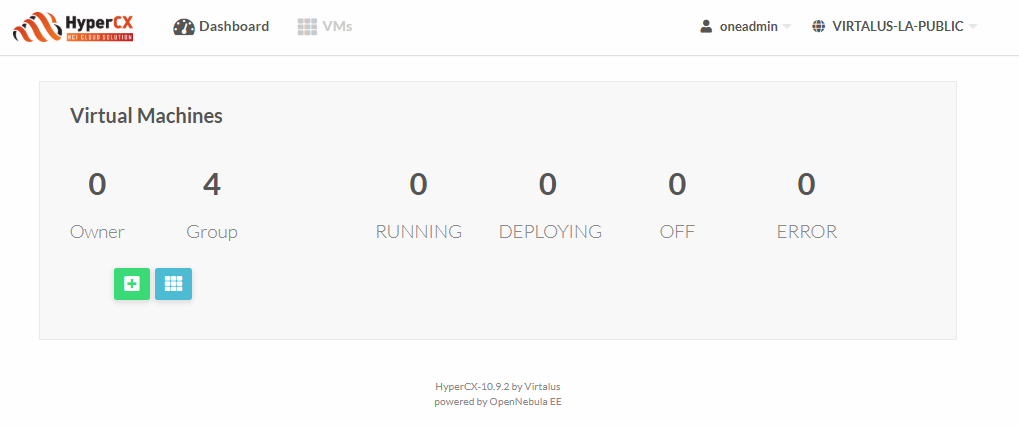
Advanced view:
advancedAdds tabs for managing more complex resources like virtual routers and multi-VM services.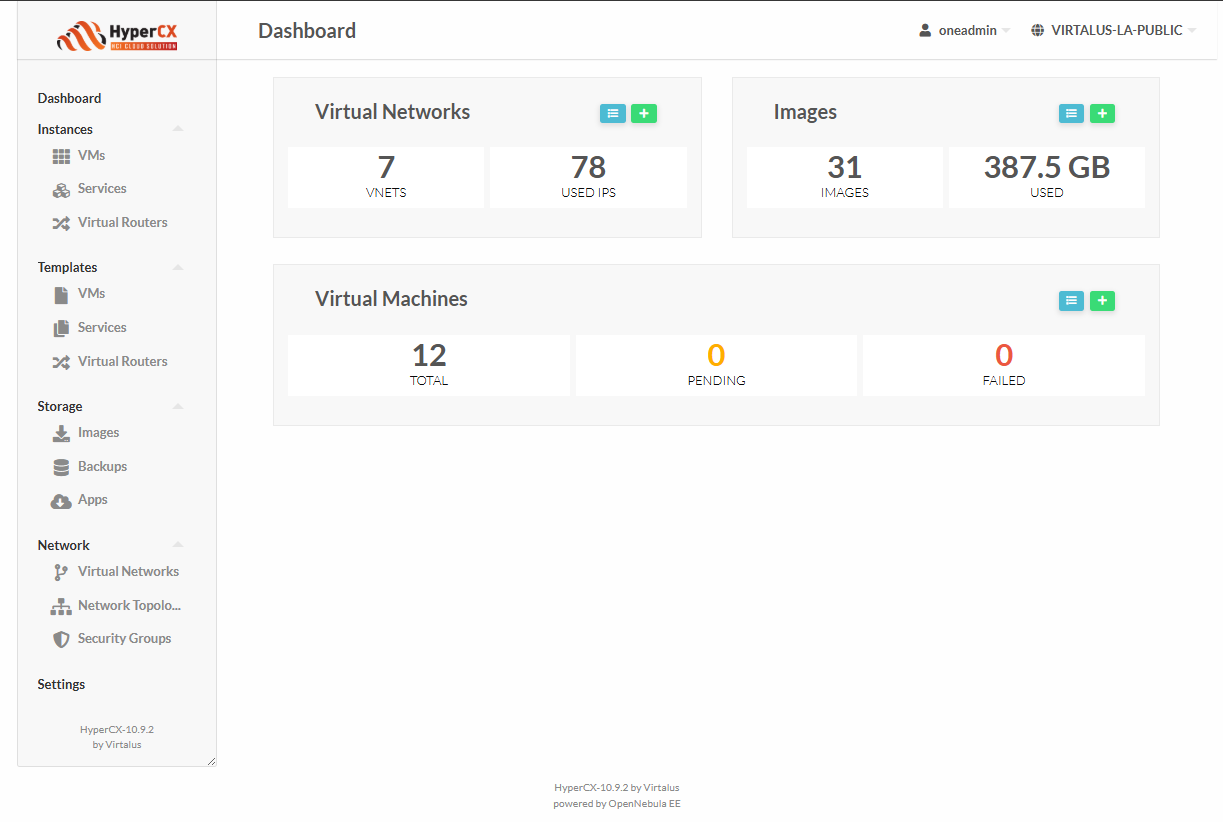
Group Admin view:
group_adminAvailable only for users with Group Admin privileges. Adds sections for managing users within their group and configuring shared resources.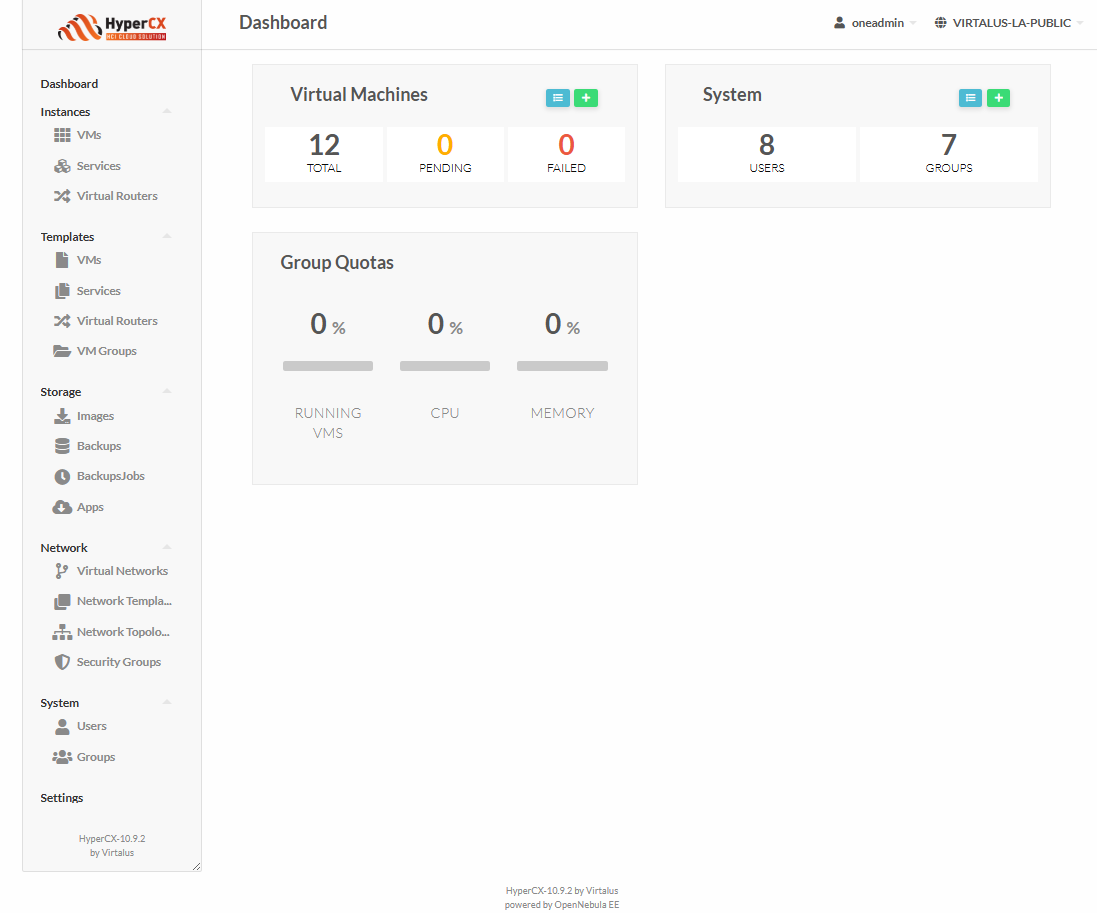
Admin view:
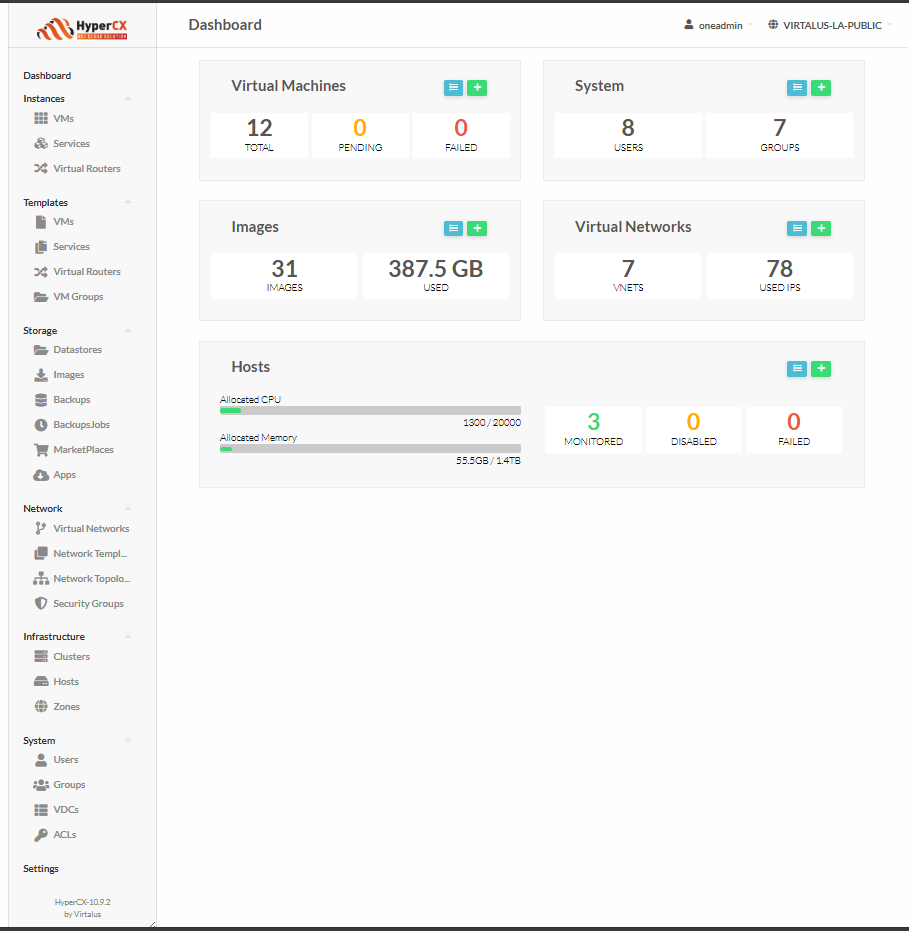
admin
Full access to all cloud resources and administrative capabilities. Used by the Cloud Admin role.